Kids Printable PDF Printing Guide | YHO Build It For Me
By The YHO Team · September 26, 2026 · 4 min read
Print at 100 percent scale, on plain paper, single-sided, and keep a copy on a tablet. Four settings that solve most problems.
Table of contents
A kids printable PDF usually looks wrong for one of four reasons: the scale, the paper, the duplex setting, or the printer's margin. All four are fixable in under a minute, and none of them mean the file is broken.
This guide is the checklist I run through before printing anything for a child, and it is the one I would send to a friend who just bought a printable and ended up with a page half the intended size.
Set scale to 100 percent
This is the setting that causes most trouble. Printers default to fit to page, which shrinks or enlarges the artwork to the paper. For tracing lines and sorting pieces, size matters: a puzzle tile printed at eighty-eight percent will not line up with its mat.
In most print dialogs, look for scale and choose 100 percent, actual size, or custom scale at 100. Do it once and the setting usually sticks for that printer.
Choose the right paper
Plain paper is right for anything a child will draw or write on: tracing pages, colouring pages, counting pages. Card stock is right for anything that will be cut out and handled many times: sorting cards, puzzle pieces, number tiles.
A middle option that saves card stock: print on plain paper, then glue the sheet to a cereal box before cutting. It is sturdier than card stock and costs nothing.
Print single-sided
Duplex printing puts two pages back to back, which is fine for a reading booklet and wrong for anything a child will cut, colour, or place on a tray. Choose single-sided for activity pages. If your printer defaults to duplex, change it for this job only.
Let the ink dry
Most home printers put down wet ink. Stacking pages immediately smears them, especially on glossy or coated paper. Print, then leave the stack for a minute before handing it over. It is a small step that prevents a lot of disappointment.
Viewing on a tablet instead
Not every page needs to be printed. A kids printable PDF opens in any PDF reader, and a child can trace with a stylus on a tablet while the paper copy stays clean for next week. This is also useful for pages you want to check before committing ink.
One caution: a page viewed on a tablet is not a substitute for handling paper. Cutting, folding, and colouring all use muscles a screen does not. Use the tablet for reference and repeat viewing, not for the whole activity.
A four line checklist
- Scale: 100 percent.
- Paper: plain for drawing, card for cutting.
- Sides: single.
- Storage: a folder, not a pile.
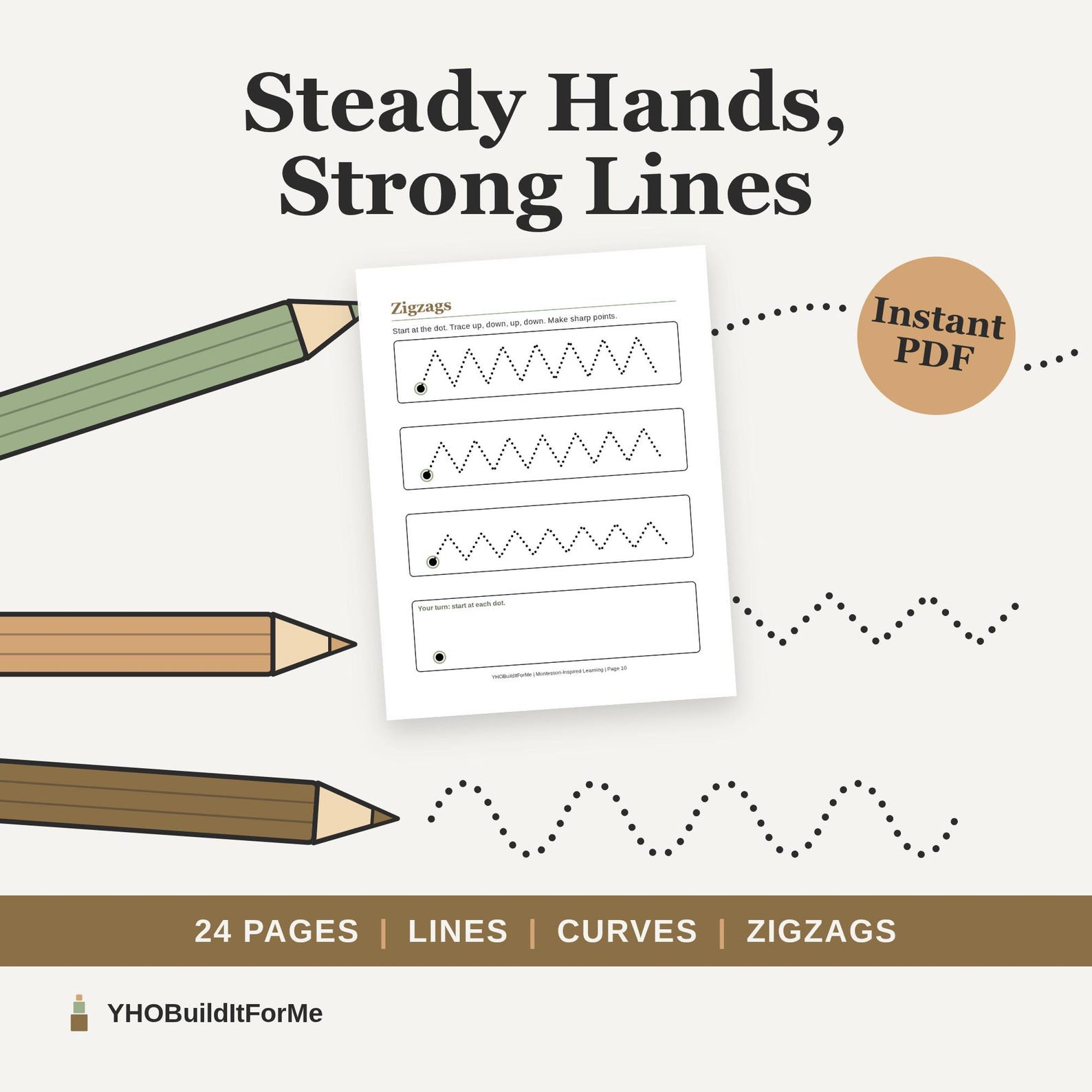
Fine Motor Tracing Book
24 printable tracing pages of lines, arches, zigzags and spirals that build pencil control before writing letters.
View printableThat is the whole system, and it works on any home printer.
Where to go next
If printing goes smoothly, these math worksheets for kids are a good first test, and this guide to preschool math worksheets covers the counting side.
Troubleshooting a home printer
The four settings cover most problems, but a few others come up often enough to name.
The page is cut off at the edge. The printer has a margin the artwork does not. Choose a borderless option if the printer has one, or print at 100 percent and trim the white edge afterwards.
The colours look washed out. Home inkjet printers on plain paper do this. For anything a child will colour, print in black and white, which is cheaper and often clearer.
The paper jams on card stock. Feed one sheet at a time through the manual slot, and check the printer's card stock setting. Most printers will handle it if they are not rushed.
What to do with finished pages
A pile of finished pages becomes recycling within a week unless it has a home. Use a ring binder with three tabs: this month, keep, and pieces. Anything cut out goes in the pieces tab, in an envelope labelled with the page it came from.
Once a season, sit with the child and go through the keep tab. Keeping everything means keeping nothing, and a child who chooses what to save is practicing judgement as well as tidiness.
A kids printable pdf is only as useful as the paper it ends up on. Print less, keep it flatter, and revisit it.
A note on ink and money
Home printing is cheapest when you print less and reuse more. Black and white for anything a child will colour, sleeves for anything a child will repeat, and card stock only for pieces that get cut out and handled. A kids printable pdf that is printed once and used ten times costs a fraction of ten fresh printouts, and the repeated page is usually the better learning experience because the child recognises it. Keep a small stack of sleeves and a marker with the folder, and the whole system costs less than a single workbook. Print the pages you need this month, and leave the rest in the file for later.
Where to start
Print one page at 100 percent and see whether the size is right before printing the rest. Files designed to print cleanly on plain paper are in the YHO Build It For Me shop.
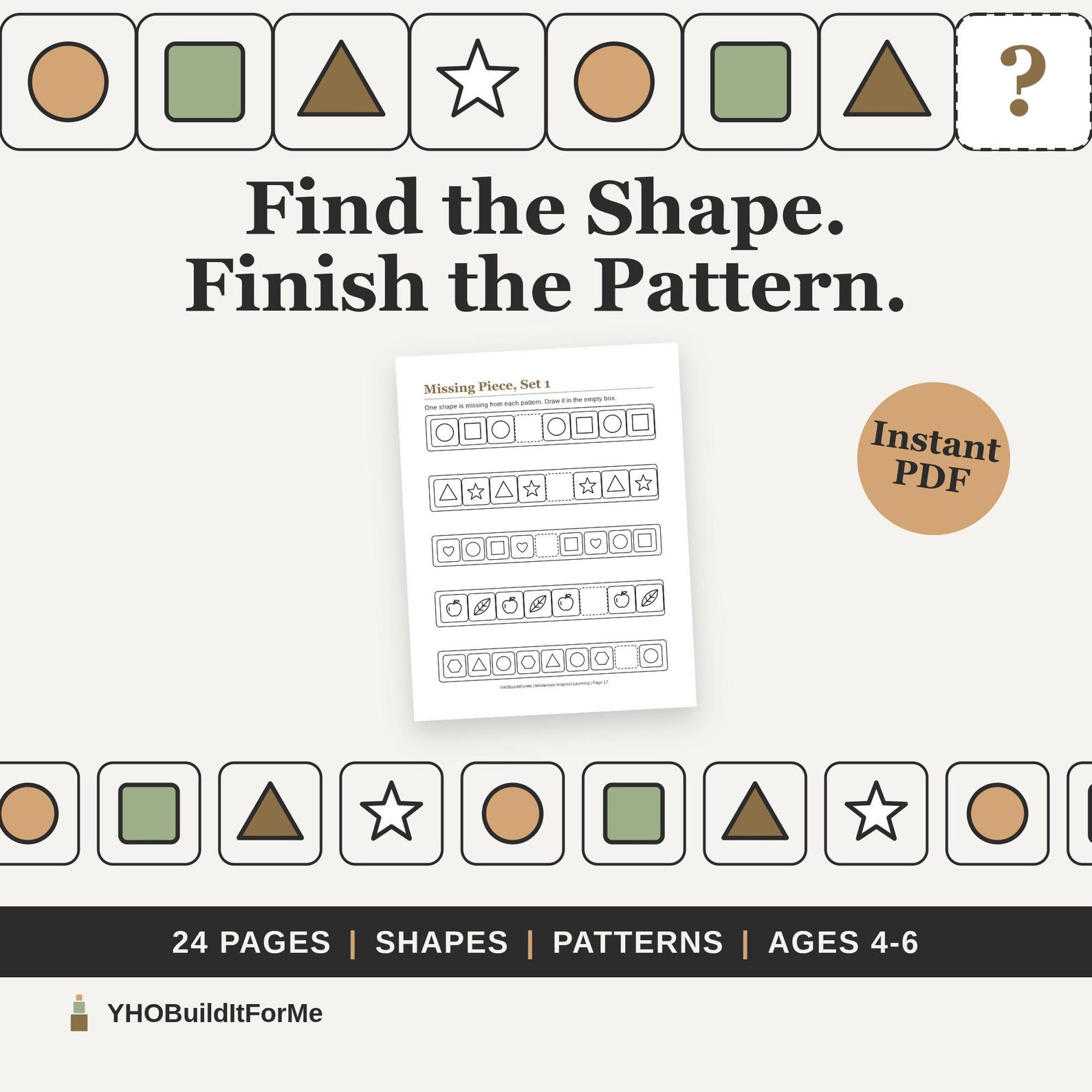
Shapes and Patterns Explorer
24 printable pages of shape tracing, sorting and pattern work, from AB patterns to growing number patterns.
View printableFrequently asked questions
What print scale should I use for a kids printable PDF?
100 percent, also called actual size. Fit to page shrinks the artwork and makes tracing lines and sorting pieces the wrong size.
What paper works for a kids printable PDF?
Plain paper for tracing and colouring. Card stock for pieces that get cut out and handled, such as sorting cards or puzzle tiles.
Can I use a kids printable PDF on a tablet instead of printing it?
Yes. Open it in a PDF reader and mark it up with a stylus, or keep it on screen as a reference while the child works on paper.
Some links go to the Etsy shop. Every printable here is one I would use in my own learning routine.